Eight Free Apps · Nothing to Install · No Account

Ham Tools

Free Ham Radio Calculators and Apps, Explained in Plain English

Every tool here started with a question I could not get a straight answer to. They run in your browser on a phone, a tablet or a PC, they cost nothing, and none of them ask you to make an account or hand over an email address.

Build an Antenna

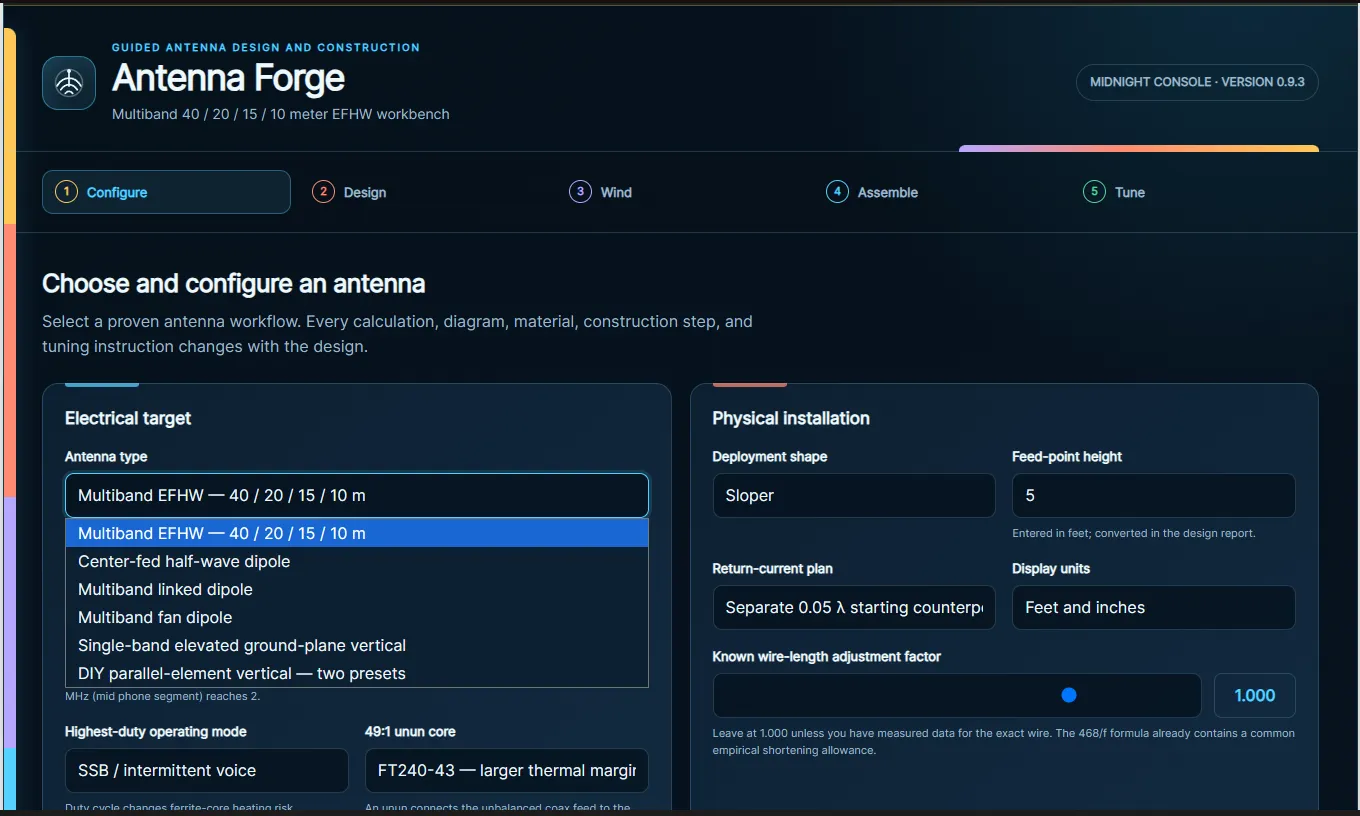
Antenna Forge

Choose your build. Follow the instructions. Build your antenna.

Six proven antenna workflows — a multiband end-fed half wave for 40, 20, 15 and 10 meters, a center-fed dipole, a linked dipole, a fan dipole, an elevated ground-plane vertical, and a DIY parallel-element vertical. Pick one and every calculation, diagram, material list, construction step and tuning instruction changes to match it.

Five stages: configure, design, wind, assemble, tune. What makes it worth using is that it asks the questions that actually change the answer. Anchor your 40 meter frequency low and the harmonics land on four bands; anchor it up in the phone segment and you get two. Your highest duty-cycle mode changes the ferrite heating risk. Your core choice changes the recommended wire gauge.
Cut Wire to Length

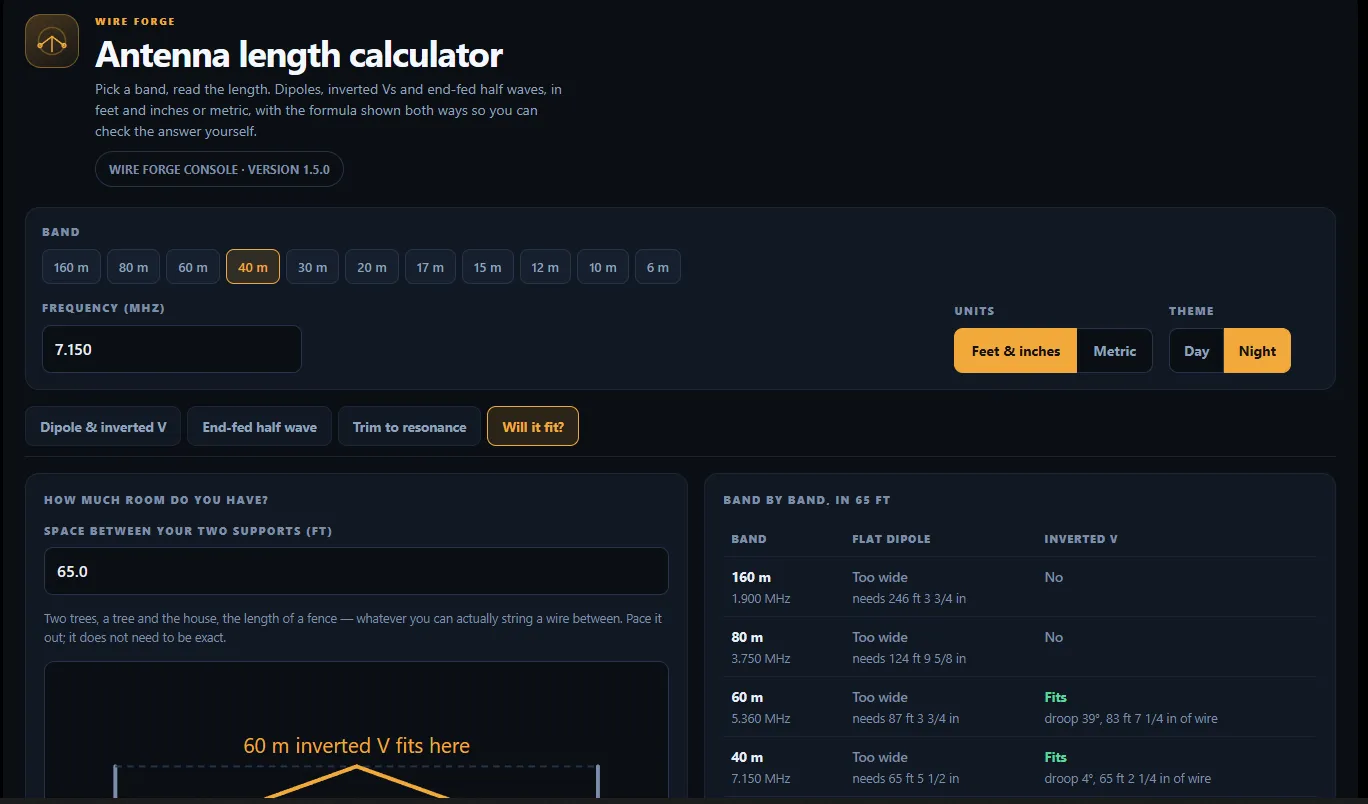
Antenna Length Calculator

Pick a band, read the length.

Dipoles, inverted Vs and end-fed half waves from 160 meters through 6, in feet and inches or metric. It shows the formula worked out both ways so you can check the answer yourself rather than trusting a black box.

It also cuts for the part of the band you can actually use — the Technician CW segment, the General phone segment, or split the difference and accept a higher SWR at both ends. You get the resonant target, a cut-long length at plus two percent, and hanging heights at a quarter, a half and a full wavelength with what each one does to your take-off angle. And it tells you to trim rather than fold the ends back, which is the mistake that quietly wastes an afternoon.

Learn Morse Code

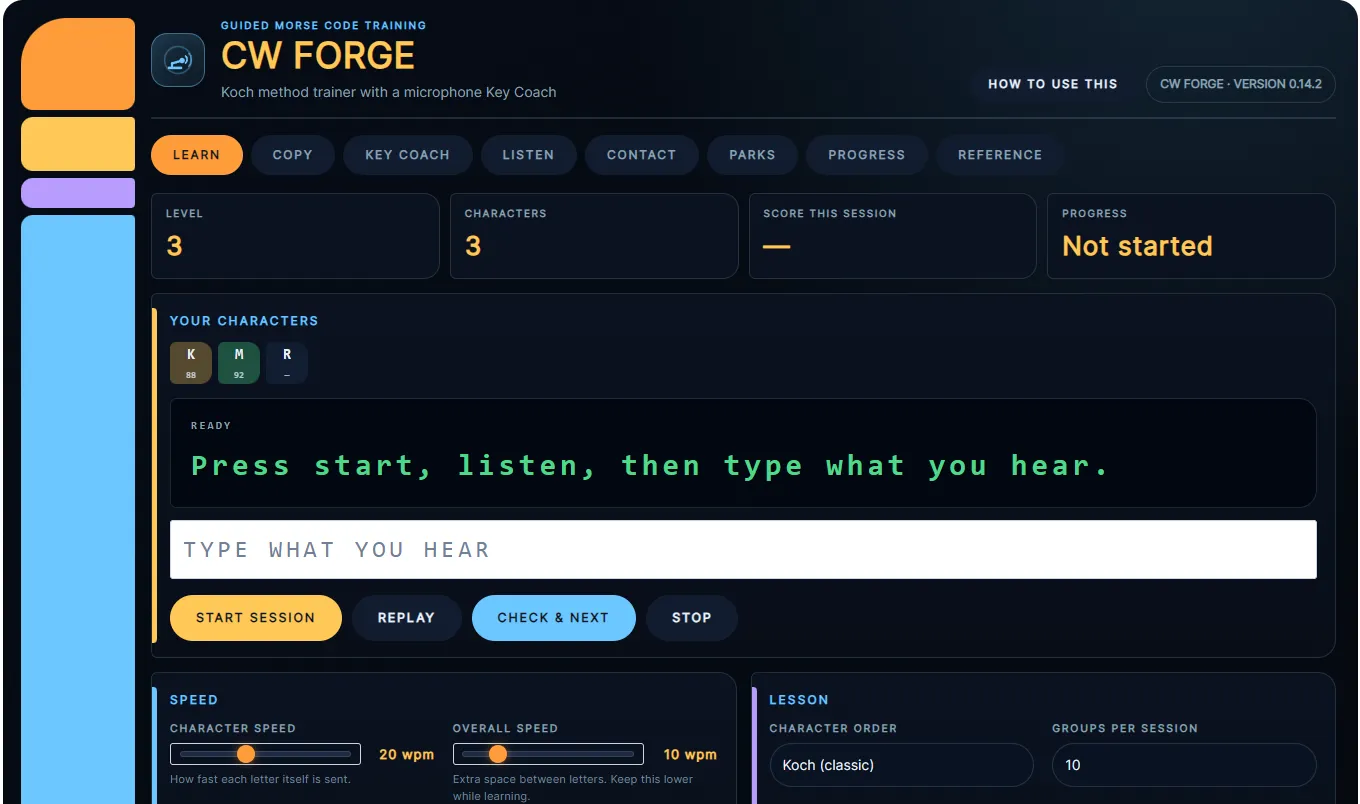
CW Forge

A Koch method trainer with a microphone Key Coach.

Learn CW by ear the way it actually works — two characters at a time, advancing by itself once you hit 90 percent, with the level draggable back whenever you want to revisit something.

Character speed and overall speed are set separately, so you can hear each letter sent at 20 words per minute while still giving yourself thinking time between them. Farnsworth spacing to start, Wordsworth once single characters feel automatic. Koch, CW Ops or alphabetical character order. And the Key Coach listens through your microphone while you practice sending, which is the half of CW that most trainers ignore completely.

RF Exposure Compliance

Exposure Forge

Fill it out. Send it up. Remain compliant.

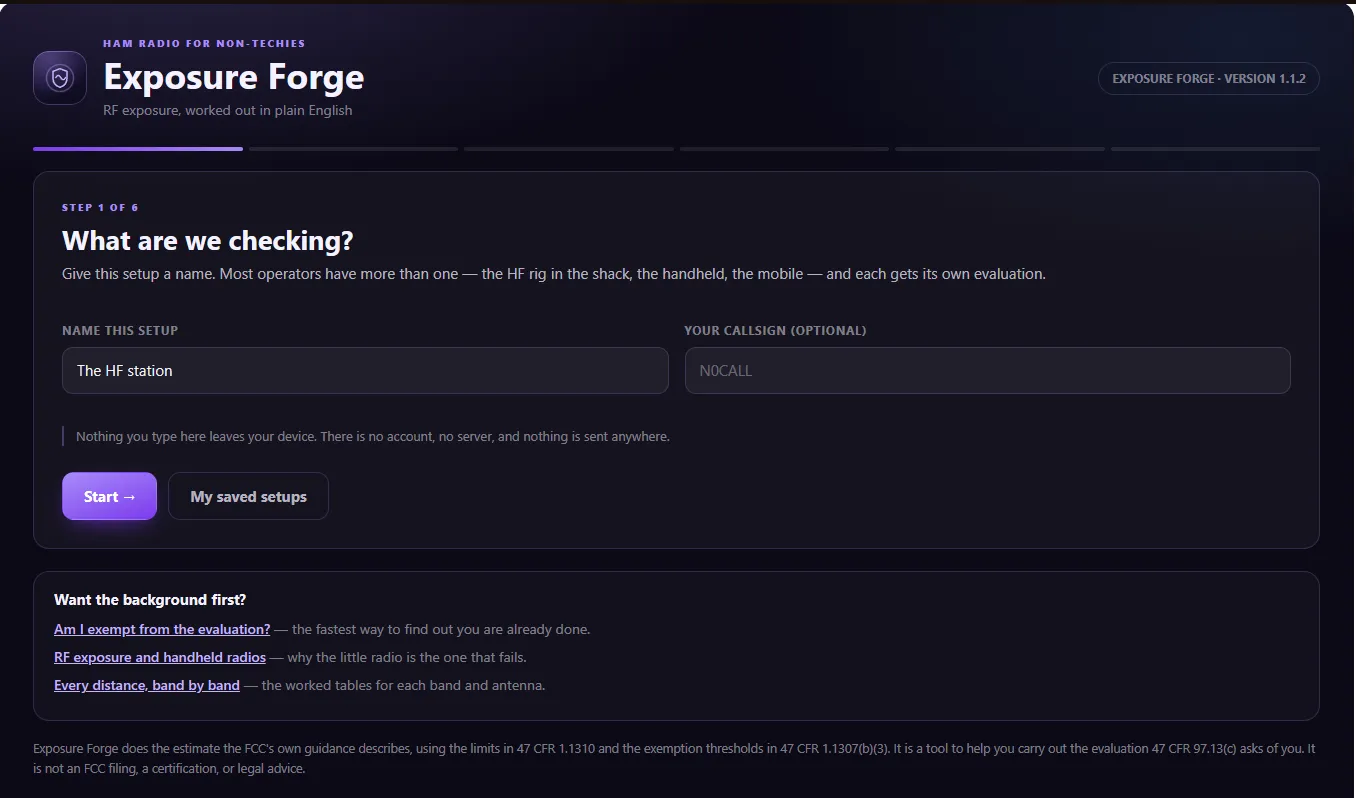
Six steps through the RF exposure evaluation that §97.13(c) asks every licensee to carry out, using the limits in 47 CFR 1.1310 and the exemption thresholds in 1.1307(b)(3). Name a setup and work through it — the HF rig in the shack, the handheld, and the mobile each get their own evaluation, because each one is a different answer.

Often the fastest useful outcome is discovering you were exempt all along, and there is a shortcut for exactly that. Nothing you type leaves your device: no account, no server, nothing transmitted anywhere. It is a tool to help you do the evaluation the rules ask of you — not an FCC filing, not a certification, and not legal advice, which it says plainly on the page rather than burying.

Grounding and Bonding

Ground Forge

Ground your shack correctly the first time.

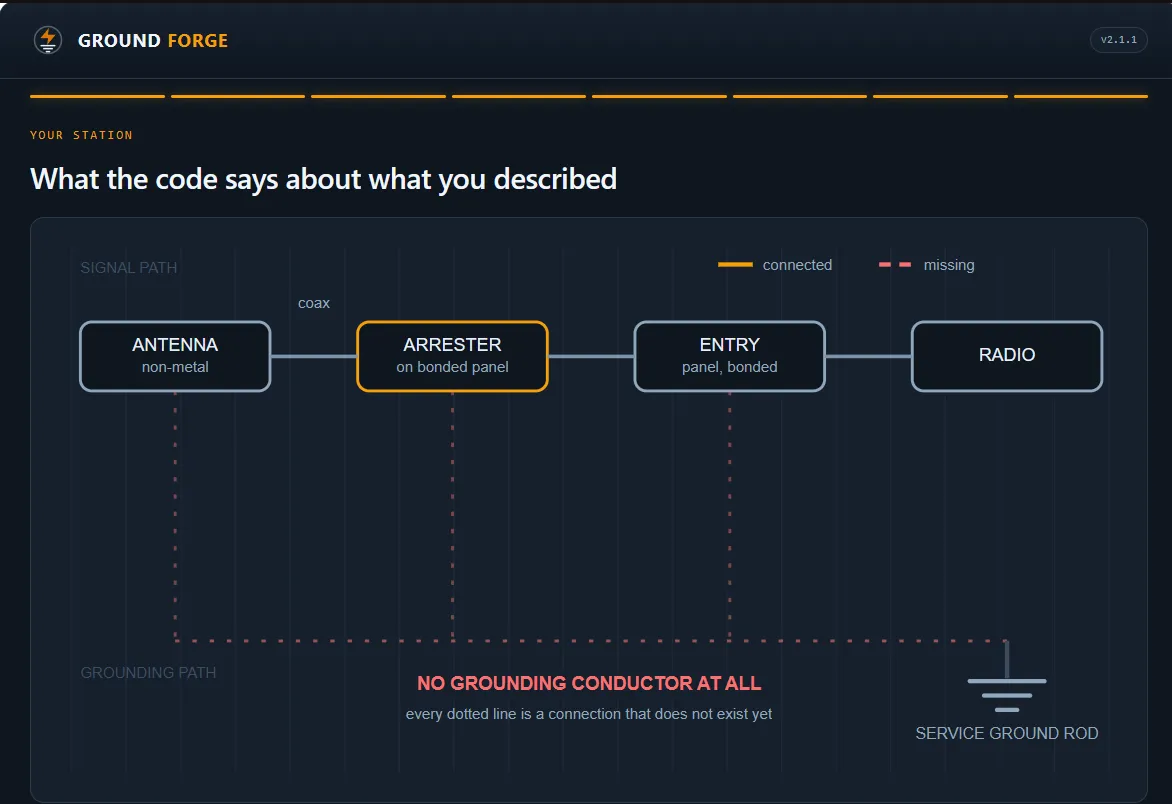
Answer plain questions about where your antenna, your radio and your ground rod are, and it draws your station back to you as a diagram with every finding tied to the exact code section it came from.

It is honest about its limits in a way most tools are not. It never tells you that you are safe — only what the code requires, where what you described does not match, and what it cannot see from a questionnaire. The FCC does not regulate station grounding at all; Part 97 never uses the word, and the app invites you to go search it yourself. The requirements come from the National Electrical Code, which is only law where your jurisdiction adopts it, and your local building department gets the final word. Where hams genuinely disagree, you get both sides and no verdict.

Your Pocket Mentor

Pocket Elmer

An Elmer is a mentor. Four quick questions and this becomes yours.

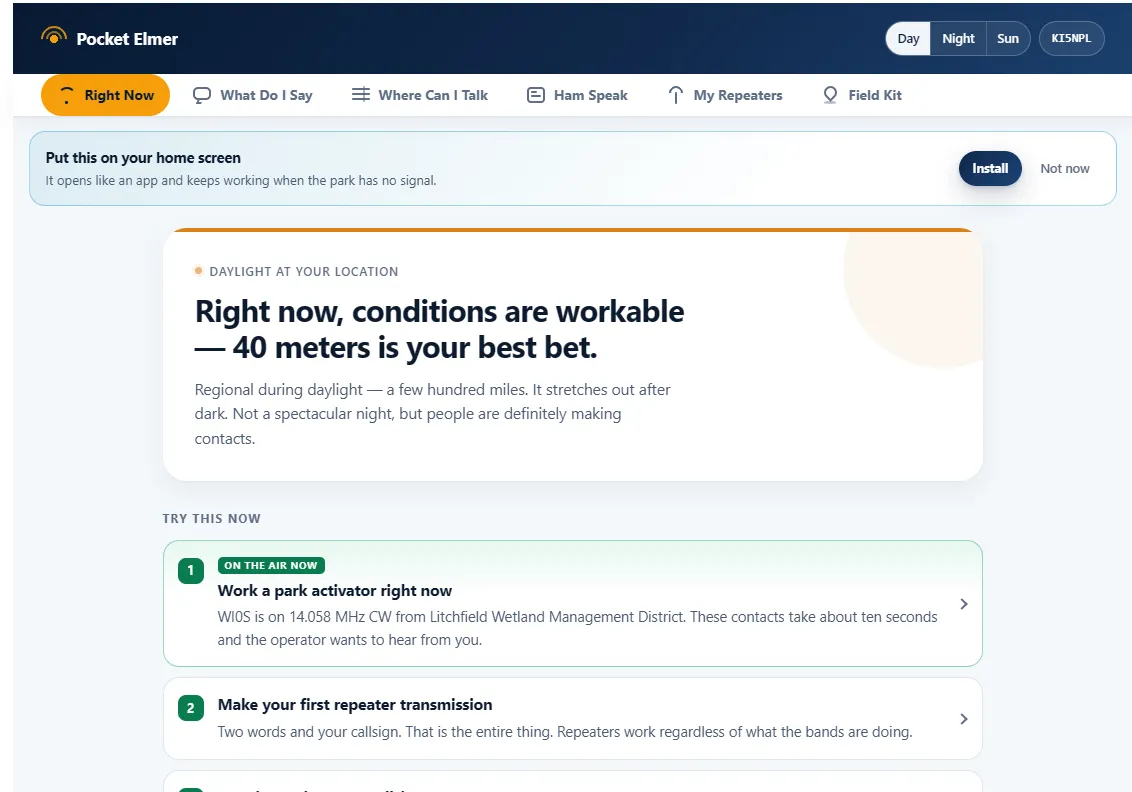
Answer four questions — starting with your license class, where “not licensed yet” is a perfectly good answer — and the whole app reshapes itself around your situation.

What you get back is the quick reference you carry: your band privileges, the band plans, a field kit with a map, and the reference material a newer operator actually needs, filtered down to what applies to you instead of everything at once. Nothing to download and nothing to install; it runs on your phone, your tablet or your PC. If you want the long version of the same journey worked through in order, that is the book.

Band Conditions

Propagation Forge

Live space weather, in plain English.

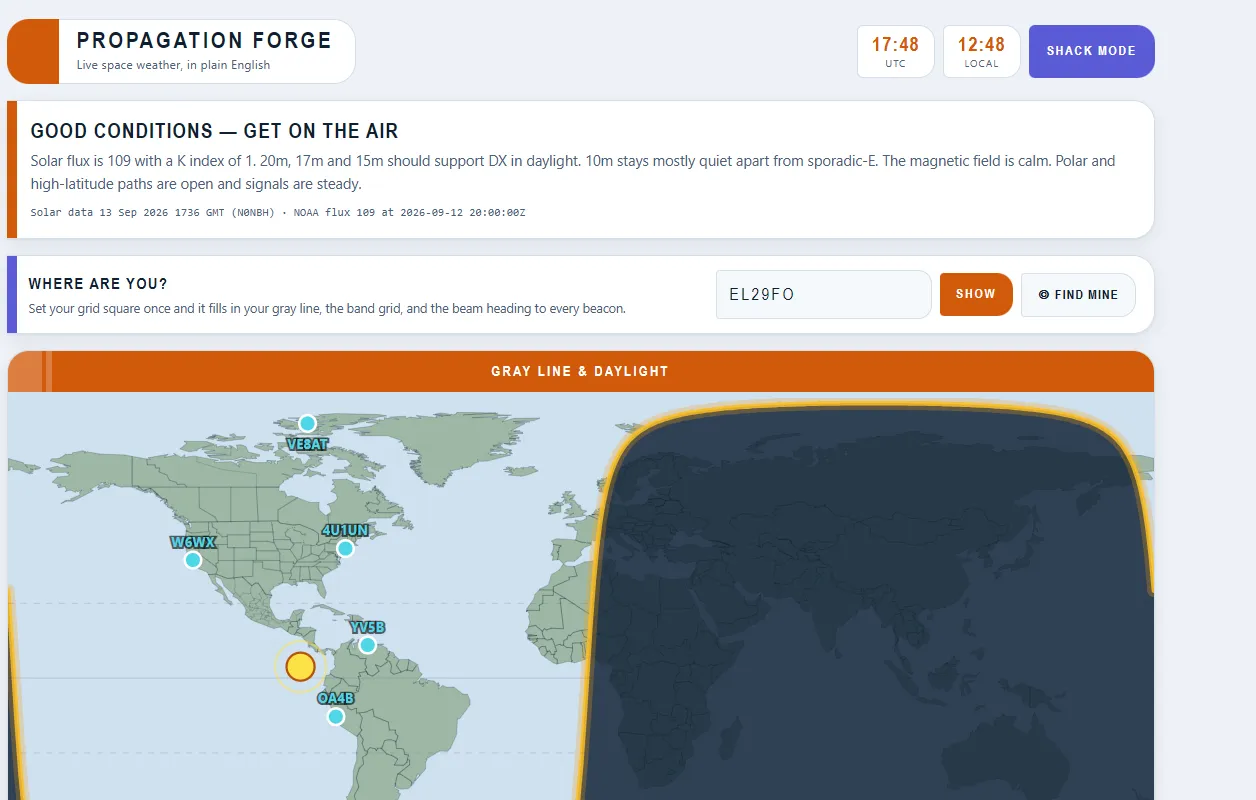
Most propagation dashboards hand you a wall of numbers and leave you to work out what they mean. This one gives you a sentence you can act on. A real example from the app: “Good conditions — get on the air. Solar flux is 109 with a K index of 1. 20m, 17m and 15m should support DX in daylight. 10m stays mostly quiet apart from sporadic-E. The magnetic field is calm. Polar and high-latitude paths are open and signals are steady.”

Behind that sit the current solar flux, the K index and the MUF, plus a gray line map showing exactly where the terminator is right now — which matters more and more as the solar cycle winds down. There is a shack mode for leaving it up on a monitor beside the rig.

Program Your Radio

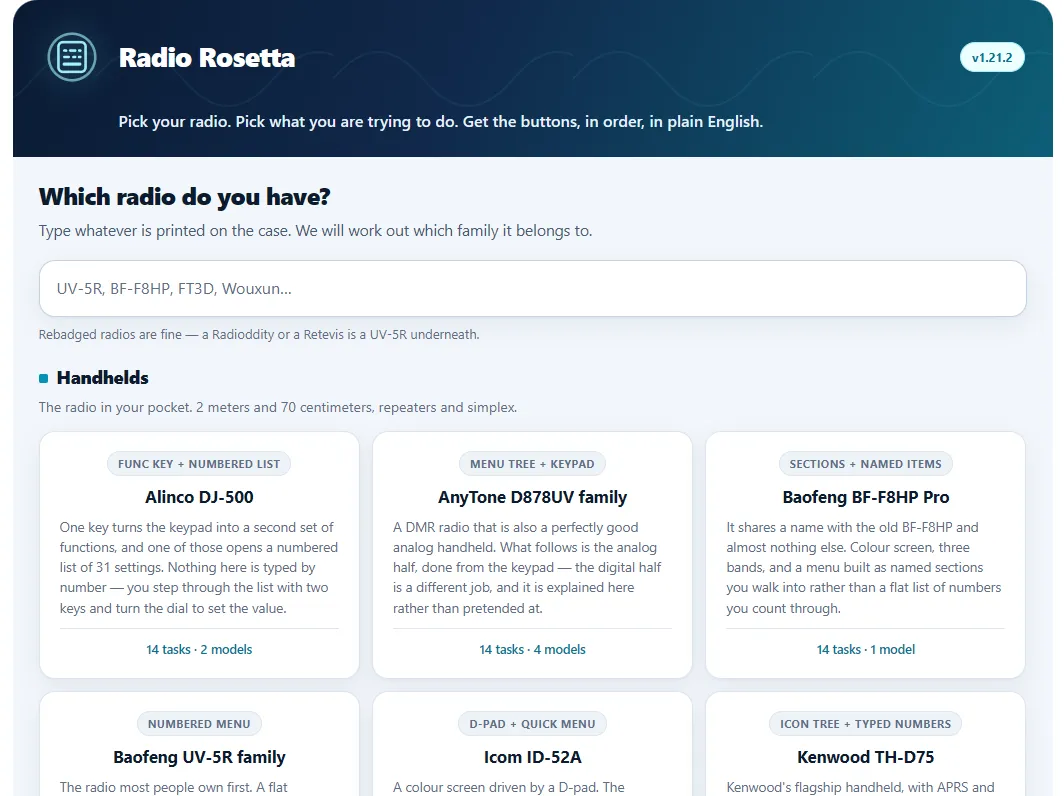
Radio Rosetta

Find your radio. Program it. Use it.

Pick your radio, pick what you are trying to do, and get the buttons in order, in plain English. It covers twenty-odd radio families across handhelds, mobiles and HF rigs, and it knows that a Radioddity or a Retevis is a UV-5R underneath — so type whatever is printed on the case and it works out the family.

Every family gets its own menu logic rather than one generic tutorial, because that is the whole problem with generic tutorials. Flat numbered menus on the Baofengs. Set Mode lists on the Yaesu handhelds. Touch tiles on the FTM-400XDR. Typed three-digit shortcuts on the Kenwoods, which turn a long walk through a menu tree into three keypresses. Between three and twenty-two tasks per radio, each written as the keypresses in sequence.

All of It Is Free. None of It Asks for Your Email.

If one of these saves you an afternoon, that is the whole point of them. Every app has a Buy Me A Beer link on its page if you want to say thanks, and every one of them stays free either way. Found something wrong? Tell me — corrections get made, and the request book is how several of these tools grew.